One cough in the break room can turn a normal week into a staffing problem. During cold and flu season, prioritizing workplace health is essential, as offices share more than just ideas. They share door handles, coffee pots, keyboards, and a variety of germs and bacteria that circulate through high traffic areas.
A solid office disinfection checklist keeps the response simple. It tells your team what gets attention, how often it happens, and who owns the task. Start with the spots people touch without thinking.
Key Takeaways
- Focus on high-touch surfaces: Prioritize areas like door handles, light switches, and shared equipment, as these are the primary vectors for germ transmission.
- Follow the correct process: Always clean surfaces to remove grime before disinfecting, and ensure the surface remains wet for the full contact time specified on the product label.
- Establish clear ownership: Assign specific disinfection tasks to day porters, evening crews, or individual staff members to ensure that no critical area is overlooked.
- Maintain consistent supply levels: An effective plan fails if essential items like disinfectant wipes, soap, and sanitizer run out, making consistent restocking a daily necessity.
- Adapt to office traffic: Adjust cleaning frequency based on usage patterns, implementing more rigorous routines for high-traffic zones like restrooms and break rooms compared to private offices.
Start with the surfaces people touch without thinking
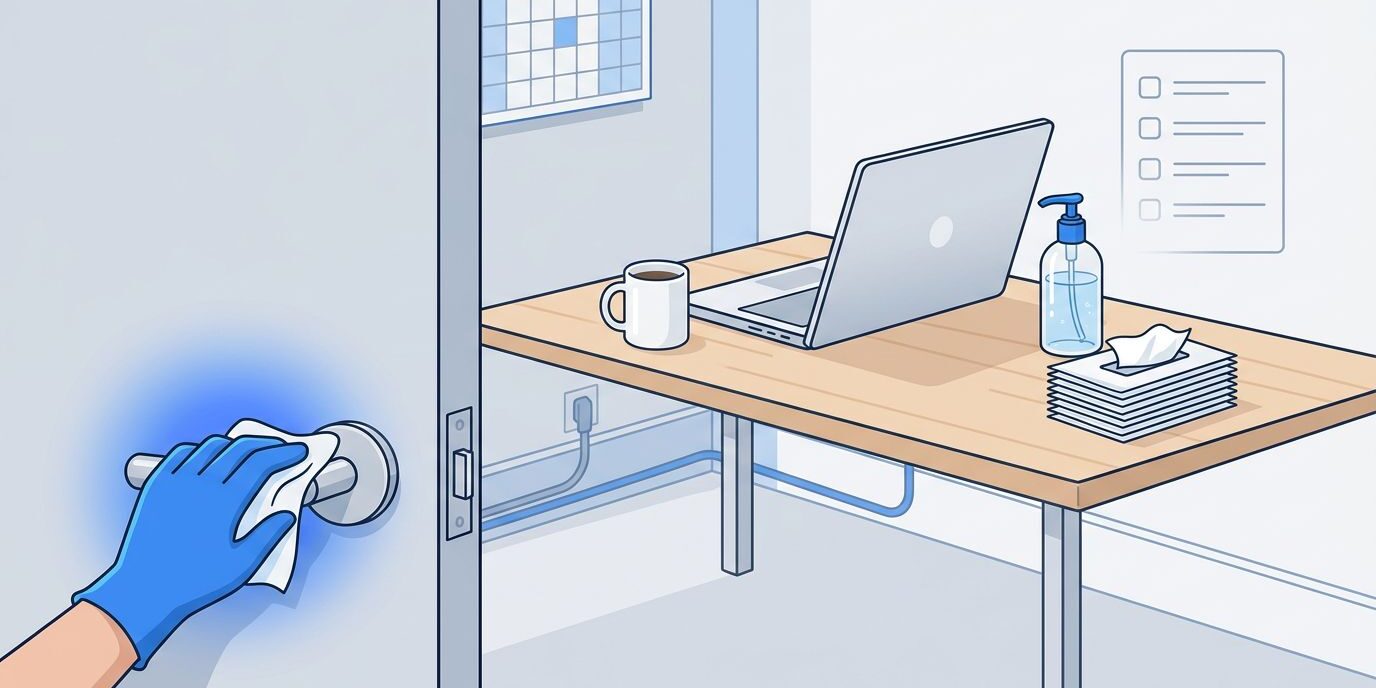
A good plan begins with one plain rule: clean first, then disinfect when needed. According to CDC guidelines, removing grime is a prerequisite because if a surface is dusty, sticky, or visibly dirty, disinfectant cannot do its job effectively. Dirt acts as a barrier that prevents the product from reaching the pathogens.
That matters because many offices waste time on the wrong things. They wipe broad empty surfaces and miss the refrigerator handle everyone grabs at 8:15. Square footage does not spread germs. High-touch surfaces, such as door handles, light switches, and shared equipment, are the primary vectors for transmission.
If five people touch it before noon, it belongs on the checklist.
Walk the office the way employees and visitors do. Start at the front door. Move through reception, meeting rooms, shared desks, break areas, restrooms, printers, and exit doors. Every stop should answer the same question: how many hands land here each day?
This is also where you split low-risk from high-risk areas. A private office with one regular user needs less attention than a hoteling station, a training room, or a shared copier. Conference tables matter, but the chair arms, remote controls, and high-touch surfaces like door pulls usually matter more.
Pick disinfectants that match the surface and follow the label. Contact time counts. If the label says the surface must stay wet for several minutes, a quick spray-and-wipe does not finish the job.
Ownership matters too. If no one owns a task, it slips. Some jobs fit the day porter or evening crew as part of their routine. Others belong to staff during the day, such as using a wipe to sanitize a shared desk between users or disinfecting a conference room after a packed meeting. These daily cleaning tasks serve as the fundamental building blocks for maintaining a safe, healthy environment.
The checklist should feel boring in the best way. Same places, same steps, same timing. That is how it works when the office gets busy.
What every office disinfection checklist should cover
Most offices need the same core zones covered. While the specific details might change depending on your floor plan, the core pattern remains the same. Every effective cleaning checklist should prioritize high-touch surfaces to maintain a sanitary environment.
Entry points and common areas
Start with the obvious traffic magnets. Front door handles, push plates, lobby seating arms, reception counters, sign-in devices, elevator buttons, stair rails, and shared pens all belong on the list. When sanitizing these high-traffic door handles, consider using hospital-grade disinfectants to ensure maximum protection against pathogens. These spots collect touch after touch, even in smaller offices.
Shared office equipment belongs here too. Printer touchscreens, copier lids, postage machines, and mailroom counters are easy to forget because they are useful, not messy. That is exactly why they often get missed during a standard cleaning routine.
Workstations and meeting spaces
Desks need a simple rule. If a workstation is shared, disinfect it between users or at least daily during flu season. If one employee uses the same desk every day, the keyboard, mouse, phone, desktop edge, and chair arms still need regular attention, but not at the same rate as a rotating station.
Conference rooms turn into germ exchanges fast. Door handles, table edges, remote controls, speakerphones, light switches, whiteboard markers, and chair backs deserve routine disinfection. A room can look tidy and still be loaded with touch points.
Break rooms and restrooms
This is where many plans either work or fall apart. The break room is a high-risk area; the microwave button, refrigerator handle, coffee maker, water dispenser, sink faucet, cabinet pulls, and shared condiment bins get handled all day. If you only disinfect the counter at night, you miss the busiest window.
Restroom cleaning requires a tighter rhythm to remain effective. Stall latches, faucet handles, soap dispensers, flush levers, door locks, and paper towel dispensers should be checked multiple times in busy offices. Empty soap dispensers can wreck the whole plan.
If you want a broader prevention plan around hygiene, sick-day policy, and airflow, these workplace prevention tips are a useful companion to the cleaning side.
How often should you disinfect during flu season?
Frequency depends on traffic, office layout, and the level of shared equipment in your workspace. While every business has unique needs, creating a consistent cleaning schedule helps your team maintain a healthy environment without guesswork.
Here is a simple starting point for your daily cleaning tasks:
| Area | Common touch points | Flu-season cadence |
|---|---|---|
| Building entry and reception | Door handles, counters, sign-in devices, pens | At least daily, twice daily in high-traffic areas |
| Shared workstations | Desks, keyboards, mice, phones, chair arms | Between users or daily |
| Conference rooms | Door pulls, remotes, speakerphones, switches | After heavy use or daily |
| Break room | Fridge handle, microwave buttons, coffee station, faucet | Daily, plus spot disinfection after peak use |
| Restrooms | Stall latches, faucets, dispensers, flush handles | Multiple times daily for high-traffic areas |
| Shared equipment | Printers, copier panels, mail counters | Daily, more often with high traffic |
The big takeaway is simple: do not use one blanket schedule for every surface. A restroom door pull needs more attention than a storage shelf, and high-touch surfaces like keyboards need more frequent care than a private bookshelf.
When someone comes to work sick, or reports flu-like symptoms, increase the intensity of your cleaning schedule. Disinfect the specific spaces they used, the shared tools they touched, and the rooms where they spent time. It is vital to use products from EPA List N to ensure you are using solutions effective against the virus. You should also step up your efforts after large meetings, training sessions, or visitor-heavy days.
Wiping is not the same as disinfecting. Always ensure the surface stays wet for the contact time specified on the product label.
It also helps to build short daytime checks into your routine. Morning and evening cleaning alone can leave dangerous gaps in busy offices. A quick midday pass in the break room, restrooms, and near shared equipment can effectively manage the biggest trouble spots.
Finally, document your daily cleaning tasks. A printed log, digital task list, or shift checklist keeps the plan honest. When flu season hits, do not rely on memory, as it is not a system.
The checklist fails when supplies run out
Even the most comprehensive office disinfection checklist falls apart if the basic necessities disappear by noon. Soap, paper towels, tissues, trash liners, hand sanitizer, and disinfectant wipes all need consistent, daily restocking. If employees cannot clean their hands or sanitize a shared workstation, the entire plan becomes wishful thinking.
Maintaining a fully stocked environment is directly linked to employee productivity. A break room with an empty sanitizer dispenser is like a sink with no water; the health-conscious process stops right there.
Training matters just as much as supplies. Following OSHA regulations, staff should be trained on which surfaces require disinfection, which products are safe for specific electronics, and the proper procedure for reporting hazards. A sticky phone at reception, an empty soap dispenser, or a trash can overflowing with used tissues should trigger immediate action rather than a shrug. Every item on your cleaning checklist is a tool for accountability.
For shared desks, keep expectations clear. Wipe down the work surface, keyboard, mouse, chair arms, and phone before any handoff. For meeting rooms, reset the space immediately after use rather than waiting until the end of the day. Short, consistent routines beat heroic catch-up cleaning every time.

Photo by Michelangelo Buonarroti
There are also moments when routine maintenance is not enough. If illness is moving through the office, if absentee rates jump, or if your in-house team cannot keep up with daytime touch points, it is time to bring in professional cleaning services. This is not overreacting; it is simply good operations.
Outside commercial cleaning support also makes sense after a known exposure, a large company event, or a period of heavy occupancy. Sometimes you require a thorough deep cleaning to hit the reset button. The goal is not to do more for the sake of more. The point is to restore a healthy environment before missed tasks pile up.
If your office needs backup during peak season, Get a FREE Quote Today and line up help before the schedule gets messy.
Frequently Asked Questions
Why is it important to clean a surface before disinfecting it?
Disinfectants cannot work effectively if they are blocked by a layer of dust, dirt, or grime. You must first remove this physical barrier through standard cleaning to ensure the disinfectant can reach and destroy pathogens on the surface.
How long should I leave a disinfectant on a surface?
Always refer to the product label to determine the required contact time. If the instructions state the surface must stay wet for several minutes, a quick spray-and-wipe will not properly sanitize the area.
How should I handle cleaning for shared workstations?
Shared desks should be disinfected between each user or at least once daily during cold and flu season. Focus specifically on the keyboard, mouse, telephone, chair arms, and the desktop surface itself.
What should I do if someone in the office reports they are sick?
When an employee is ill or reports symptoms, you should immediately increase the intensity of your cleaning schedule. Focus on disinfecting the specific areas and tools they used, and consider bringing in professional support for a deep cleaning if necessary.
Conclusion
One sick employee will not always spread illness across the office, but one weak routine can. That is why the smartest disinfection plans stay focused on high-touch points, consistent timing, proper supplies, and reliable follow-through.
The strongest takeaway is consistency. A clear office disinfection checklist, performed on a strict schedule, beats random deep cleaning every time. While these steps are designed for general workspaces, keep in mind that areas requiring the rigors of medical office cleaning should maintain even higher frequencies to ensure safety. When your team follows a reliable cleaning checklist and knows exactly what gets disinfected and when, cold and flu season becomes much less chaotic.