Adopting a hybrid work model creates a strange cleaning gap. Everyone uses the desk, but no one feels like it is fully theirs.
That is how crumbs, fingerprints, and sticky coffee rings make it through a full week. Shared desk cleaning only works when the routine is short, obvious, and hard to skip.
If your desks change hands all day, the fix is not a longer policy. It is a cleaner handoff between one person and the next to improve the overall workplace environment.
Key Takeaways
- Focus on the handoff: Hybrid desks become dirty during the transition between users; prioritize a quick, standardized reset to stop messes from accumulating throughout the workday.
- Keep it simple and fast: A effective desk reset should take no longer than 60 seconds to ensure employees can realistically complete it regardless of their schedule or workload.
- Accessibility is essential: Place cleaning supplies, such as antibacterial wipes and microfiber cloths, directly at the workstation to remove barriers and encourage consistent participation.
- Clearly define roles: Distinguish between the employee’s responsibility for quick daily resets and the facility team’s role in deep cleaning and restocking to ensure nothing is overlooked.
- Model the behavior: Management must lead by example to turn workstation hygiene into a core part of office culture rather than a chore employees feel they can ignore.
Why hybrid desks get dirty faster than people think and the importance of hot desking hygiene
A traditional assigned desk has one owner. In a shared workspace, however, you have several users, different habits, and a high volume of interaction points.
That matters because most messes in a hybrid office are not dramatic. It is the accumulation of biological matter that causes problems. Keyboard and mouse surfaces become breeding grounds for germs and bacteria. Beyond these, chair arms and docking stations serve as critical high-touch surfaces that can facilitate the spread of germs throughout the office. The corner of the desk where someone eats lunch can also harbor hidden grime that affects the next user.
The problem escalates when cleaning only occurs at night. Your janitorial team may leave the area in good shape, but if five people rotate through the same workstation before lunch, the desk will not feel clean by 2 p.m. Prioritizing these standards is not just about aesthetics; it is about protecting employee productivity by minimizing the downtime caused by preventable sick days.
There is also an ownership problem. When a desk belongs to everyone, it often feels like it belongs to no one. People assume the next person will not notice a smudge, they believe facilities will handle it later, or they are simply rushing to a meeting.
That last part is where most workstation hygiene breaks down. It is not because staff members do not care, but because the transition process is often sloppy.
A clean shared desk needs two things. First, the surface must be easy to reset. Second, the person leaving needs a clear signal that the reset is a standard part of using the desk rather than an extra favor.
If you want a simple test, walk through the office three times in one day: opening, mid-afternoon, and right before close. Examine the keyboards, mice, headset ear pads, chair levers, and monitor bases. Those spots tell the truth about your cleanliness levels faster than the desktop itself.
When you view the desk as a handoff point, your cleaning plan becomes much more effective. You are not trying to make every employee a professional cleaner. Instead, you are trying to stop one person’s mess from becoming everyone else’s problem.
Build a 60-second desk reset between users
The best routine is the one people will do when they are late, distracted, or ready to head home. That means it cannot take five minutes, and it cannot read like a complex training manual.
Start with a one-minute reset. That is enough for most shared desk cleaning if the station is well-stocked and the expectations are clear.
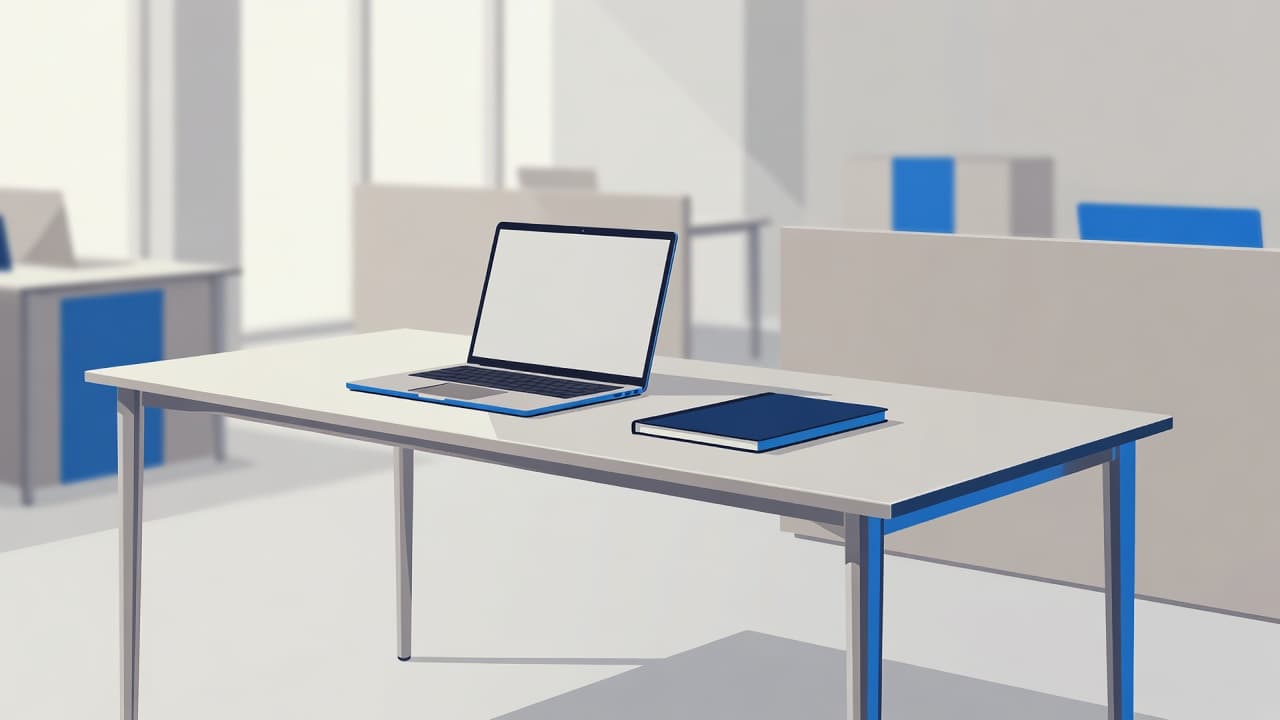
Standardizing your regular cleaning routines ensures that every hot desk is ready for the next person:
- Sanitize surfaces including the desktop, keyboard, mouse, phone, and chair arms.
- Declutter workstation by tossing trash, cups, sticky notes, and food wrappers.
- Return cables, adapters, and accessories to their designated spots.
- Push in the chair and leave the surface clear for the next user.
That is it. No mystery. No debate.
If a hand touches it often, it should be part of the reset.
A few details matter here. When performing electronics cleaning, use products that are safe for your equipment. Remind staff not to spray liquid directly onto screens or docking stations; instead, use disinfectant wipes or a lightly sprayed cloth for better results.
You also need the right timing. Make the reset a formal part of your clean desk policy rather than a vague end of day suggestion. If your team uses desk booking software, add the reminder to the reservation confirmation and the check out prompt. If you do not use software, place one short sign at each station. Keep the message simple to ensure everyone contributes to a positive workplace environment.
Managers must model these habits too. If leaders walk away from shared desks with coffee stains and tangled cables, the policy is dead on arrival.
The good news is that this routine does not ask much from employees. One minute is easier to defend, train, and repeat than a long cleaning list. In a hybrid office, speed wins. Short routines get done, while long routines turn into wishful thinking.
Put the right supplies within arm’s reach
A shared desk reset falls apart when supplies live in a locked cabinet down the hall. If people have to hunt for wipes, they will not clean the desk. They will tell themselves they will come back later, but they usually never do.
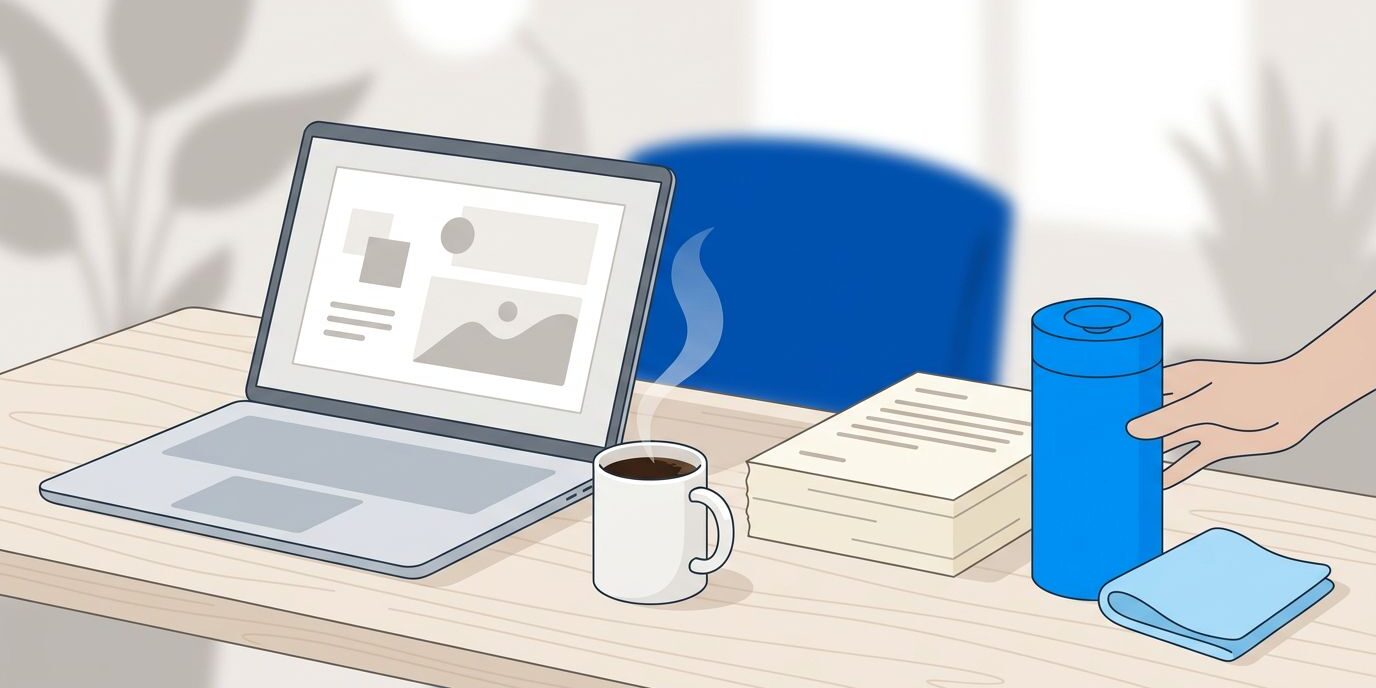
Place supplies where the mess happens. That usually means one small kit at each desk bank, plus a backup stock in a nearby supply area.
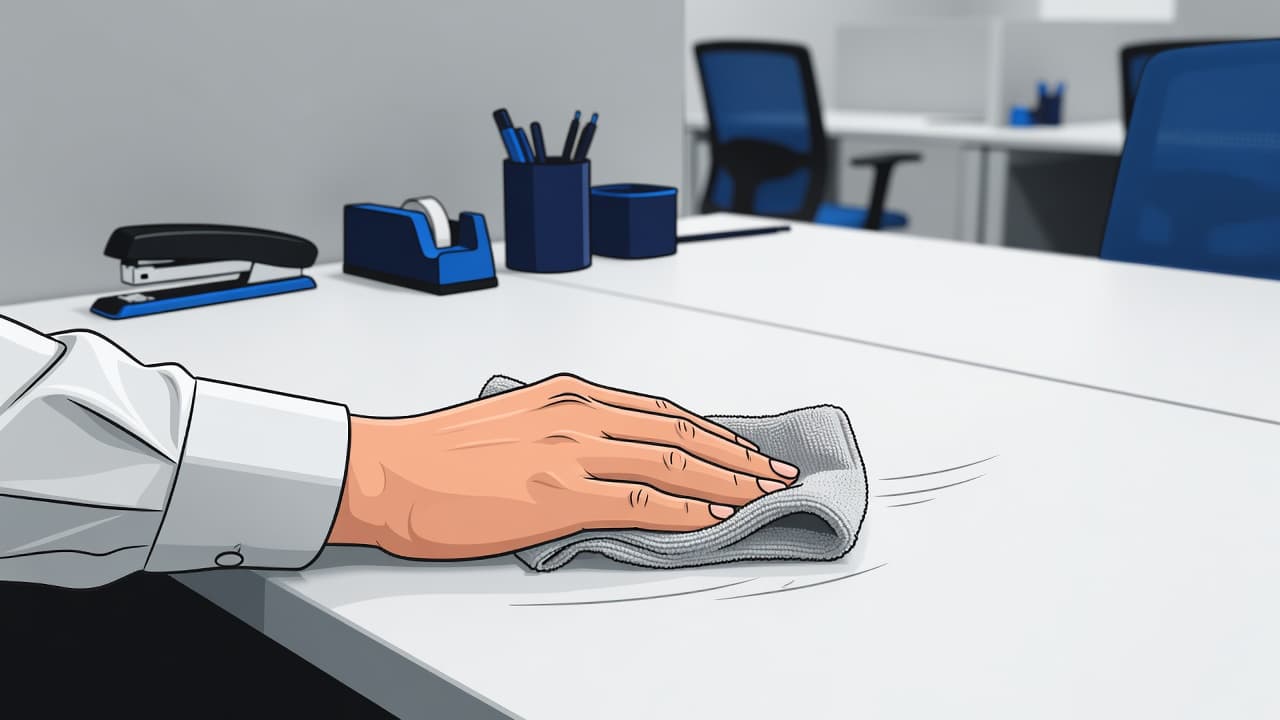
Most offices do not need a giant station. They need a compact setup that stays full and looks tidy. A good shared desk cleaning kit usually includes:
- Antibacterial wipes or disinfectant wipes for high-touch surfaces
- Microfiber cloths for desks, shared tech like keyboards and headsets, and other electronics
- Hand sanitizer nearby, which should be used in addition to cleaning surfaces rather than as a substitute
- A small trash bin or easy access to one
That is the core. Resist the urge to overcomplicate it.
When the supply area gets cluttered, people stop trusting it. Half-used bottles, unlabeled sprays, and random paper towels make the space feel temporary. A neat kit sends a different message. Keep it organized so your team feels encouraged to participate in the cleaning process.
Restocking needs an owner. In some offices, that is facilities. In others, it is the office manager, front desk team, or daytime porter. Whoever owns it should check levels on a schedule, rather than waiting for someone to complain.
Pay attention to placement, too. Put supplies near exits from desk zones, particularly in high traffic areas, rather than burying them behind lounge seating or inside a copy room. You want the cleaning step to happen at the point of departure.
If your office has frequent guest seating, sales drop-ins, or rotating project teams, consider color-coded supply caddies by zone. Visual order reduces confusion and makes the process intuitive for everyone.
If your team needs more than quick employee wipe-downs to keep desks and common areas ready each day, outside support can close the gap. Professional cleaning services provide the deep attention your office needs. For offices in Fort Myers and across Southwest Florida, Get a FREE Quote Today and explore how comprehensive janitorial services can build a cleaning plan that fits your specific schedule.
Make responsibilities obvious, even when desks are shared
People follow rules they can see. They ignore rules buried in a handbook.
That means your desk-sharing etiquette should live in the real world, where people sit, work, eat, and leave. Whether you are managing office hoteling or running more casual coworking spaces, you should include these expectations in onboarding and reservation emails. Place one short sign near shared workstations, and repeat the policy in team meetings until it feels normal.
The message does not need polish. It needs clarity. Wipe the desk before you leave. Clear personal items. Report broken supplies. If you can avoid it, do not eat messy meals at hot desks. Small rules beat long speeches.
A simple split of duties helps maintain health and safety for everyone:
| Task | Employee using desk | Facilities or cleaning crew | Office manager or ops lead |
|---|---|---|---|
| Wipe high-touch surfaces after use | Yes | Backup cleaning | Monitor compliance |
| Empty personal trash and remove food | Yes | Larger bin service | Set policy |
| Restock wipes and cloths | No | Yes | Confirm schedule |
| Deep-clean shared desk areas | No | Yes (includes air quality) | Coordinate scope |
| Report damaged equipment or spills | Yes | Respond if needed | Track issues |
The takeaway is plain. Users handle the quick reset. Cleaning crews handle deeper service to ensure high air quality and sanitation. Ops teams keep the system stocked, visible, and consistent.
If nobody owns the reset, nobody does it.
This is also where HR can help. Desk-sharing rules are easier to follow when they sound like a form of workplace respect rather than a punishment. A dirty shared desk tells the next person to deal with it, which is a culture issue as much as a cleaning issue.
To further prevent the spread of germs, consider upgrading to a washable keyboard at each station. These peripherals are designed to withstand frequent disinfecting, making it much easier to eliminate germs and bacteria in high-traffic zones.
Keep enforcement light but real. If a team repeatedly leaves shared desks messy, address it directly. Not with a company-wide scolding, but with a quick reminder to the specific people involved.
Finally, audit the process every month or two. Are wipes missing by noon? Are certain desk zones always worse? Are phone handsets and chair arms getting skipped? Small checks catch drift before the whole system slips.
Frequently Asked Questions
How often should shared desks be wiped down?
Each employee should perform a one-minute reset immediately after finishing their work at a station. This ensures the desk is sanitized and clear for the next person arriving throughout the day.
What should be included in a standard desk reset kit?
A basic kit should include antibacterial or disinfectant wipes, microfiber cloths for sensitive electronics, and access to a trash bin. Keep these items in a compact, organized caddy at every desk bank to ensure they are always within arm’s reach.
How do I encourage employees to follow these cleaning habits?
Make the process visible and easy by placing clear, simple signage at each workstation and including reminders in desk booking software or reservation emails. When managers consistently model these behaviors themselves, it reinforces that tidiness is a matter of workplace respect rather than just a policy.
Can cleaning supplies damage my office electronics?
Yes, which is why it is important to avoid spraying liquids directly onto monitors, keyboards, or docking stations. Always use pre-moistened wipes or spray a cloth lightly first to ensure the moisture levels are safe for your hardware.
Conclusion
A hybrid desk gets dirty in the handoff, and that is exactly where your solution should be focused.
The most effective shared desk cleaning routine is short, visible, and easy to repeat. By focusing on hot desking hygiene, you ensure that everyone contributes to a professional standard. When supplies are close, rules are clear, and responsibilities are shared appropriately, your shared workspace stays productive without turning every employee into a part-time janitor.
Everyone uses the desk, but someone still has to leave it ready for the next person. When this habit becomes second nature, it significantly improves the entire workplace environment. Ultimately, keeping germs and bacteria under control is the key to a successful hybrid transition that keeps your team healthy and focused.